50-day return policy⌄
- Return within 50 days of purchase.
- Full refund for unopened, sealed, unactivated items.
- Opened products may still qualify if unused.
- For orders over £100, we can arrange your return via DPD or in-person drop-off.
Next-day delivery — order before 3pm⌄
- Order before 3pm Mon–Fri for next-working-day delivery (free over £99).
- UK Saturday delivery available on orders placed before 3pm Friday.
- After 3pm Friday — dispatched Monday.
- Some UK regions may need 2–3 working days.
Discounted options with main purchase⌄
- Bundle pricing on accessories, spares and training when bought together.
- Reduced rates on add-ons selected at checkout.
- Ask us for a tailored quote on multi-unit or fleet orders.
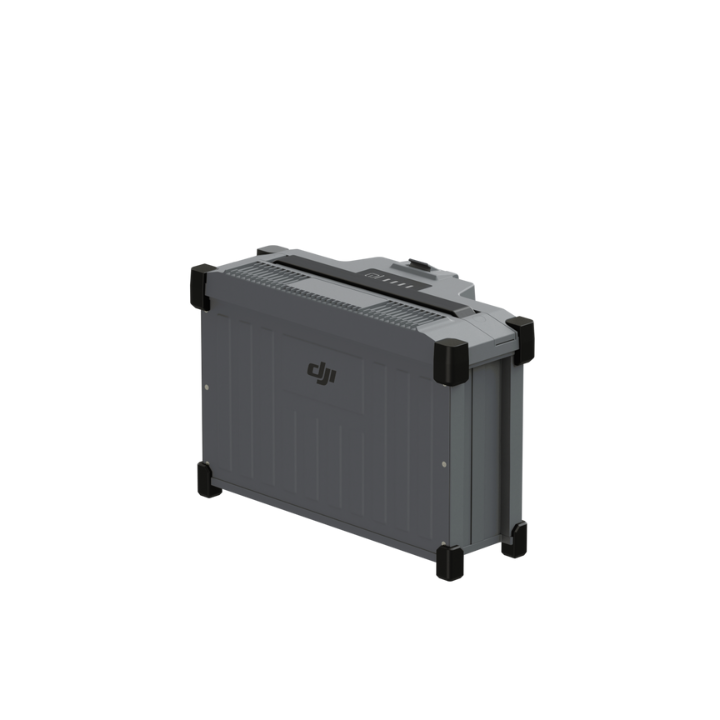
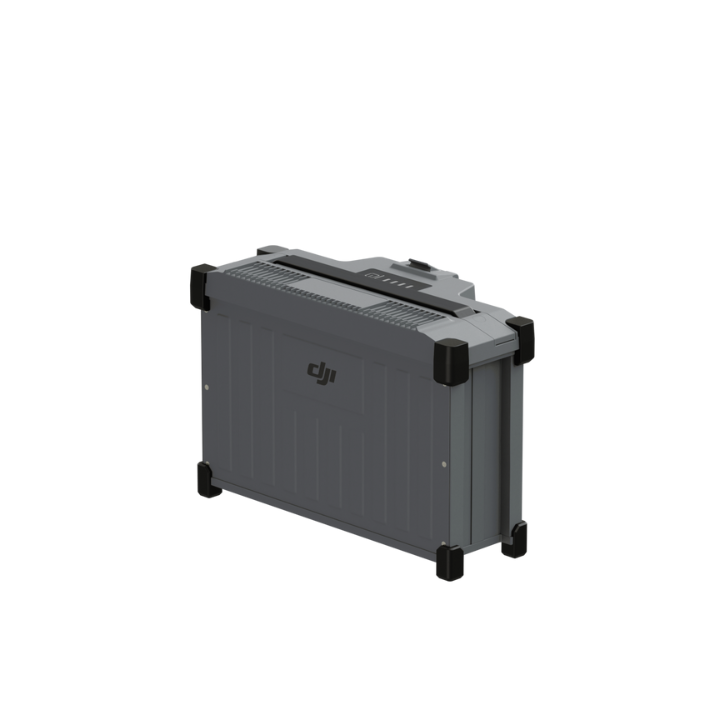
DJI Agras T25 DB800 Intelligent Flight Battery
The DB800 Intelligent Flight Battery employs high-energy battery cells and an advanced power management system to provide sustained power to the DJI Agras T25 drone.
Expert UK team · tailored advice · no obligation
Product dossier
Power the Agras T25
DB800 Intelligent Flight Battery
- Battery Level Display:
Status LEDs indicate the current battery level; press the power button to check.
- Communication:
Transmits battery parameters (voltage and power level) to the aircraft, allowing it to adjust actions based on changes in battery status.
- Battery Error Self-Diagnosis:
Detects errors such as abnormal voltage, current, and temperature; issues alerts and records error information in the battery.
- Short Circuit Detection:
Detects short circuits in the aircraft and cuts off power to prevent potential fire hazards.
- Charging Error Detection:
Status LEDs indicate charging errors; the battery attempts automatic error correction. Refer to the LED Patterns section for details.
- Auto Balancing:
Automatically balances cell voltages in certain situations.
Full specifications
Manuals & documents
Frequently asked questions
How do I use the DJI Agras T25 DB800 Intelligent Flight Battery's Air-cooled Heat Sink?⌄
After flights it's recommended to insert the DB800 Intelligent Flight Battery into the air-cooled heat sink to charge, you do this by:
1. Attach Cable: Loosen the cable lock and securely connect the charging cable to the heat sink.
2. Insert Battery: Ensure the cable is fastened, then carefully insert the DB1560 Intelligent Flight Battery into the heat sink without dropping it.