50-day return policy⌄
- Return within 50 days of purchase.
- Full refund for unopened, sealed, unactivated items.
- Opened products may still qualify if unused.
- For orders over £100, we can arrange your return via DPD or in-person drop-off.
Next-day delivery — order before 3pm⌄
- Order before 3pm Mon–Fri for next-working-day delivery (free over £99).
- UK Saturday delivery available on orders placed before 3pm Friday.
- After 3pm Friday — dispatched Monday.
- Some UK regions may need 2–3 working days.
Discounted options with main purchase⌄
- Bundle pricing on accessories, spares and training when bought together.
- Reduced rates on add-ons selected at checkout.
- Ask us for a tailored quote on multi-unit or fleet orders.
DJI Focus Pro All-In-One Combo
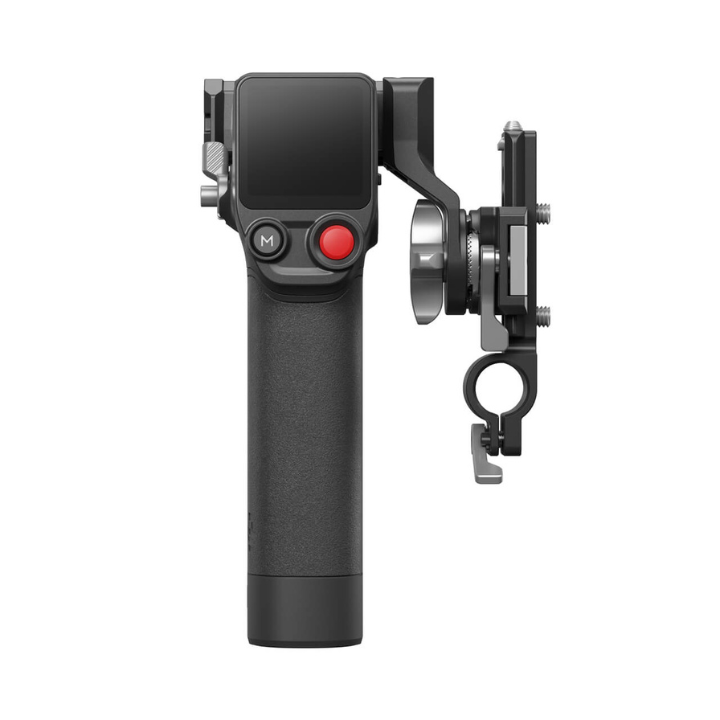
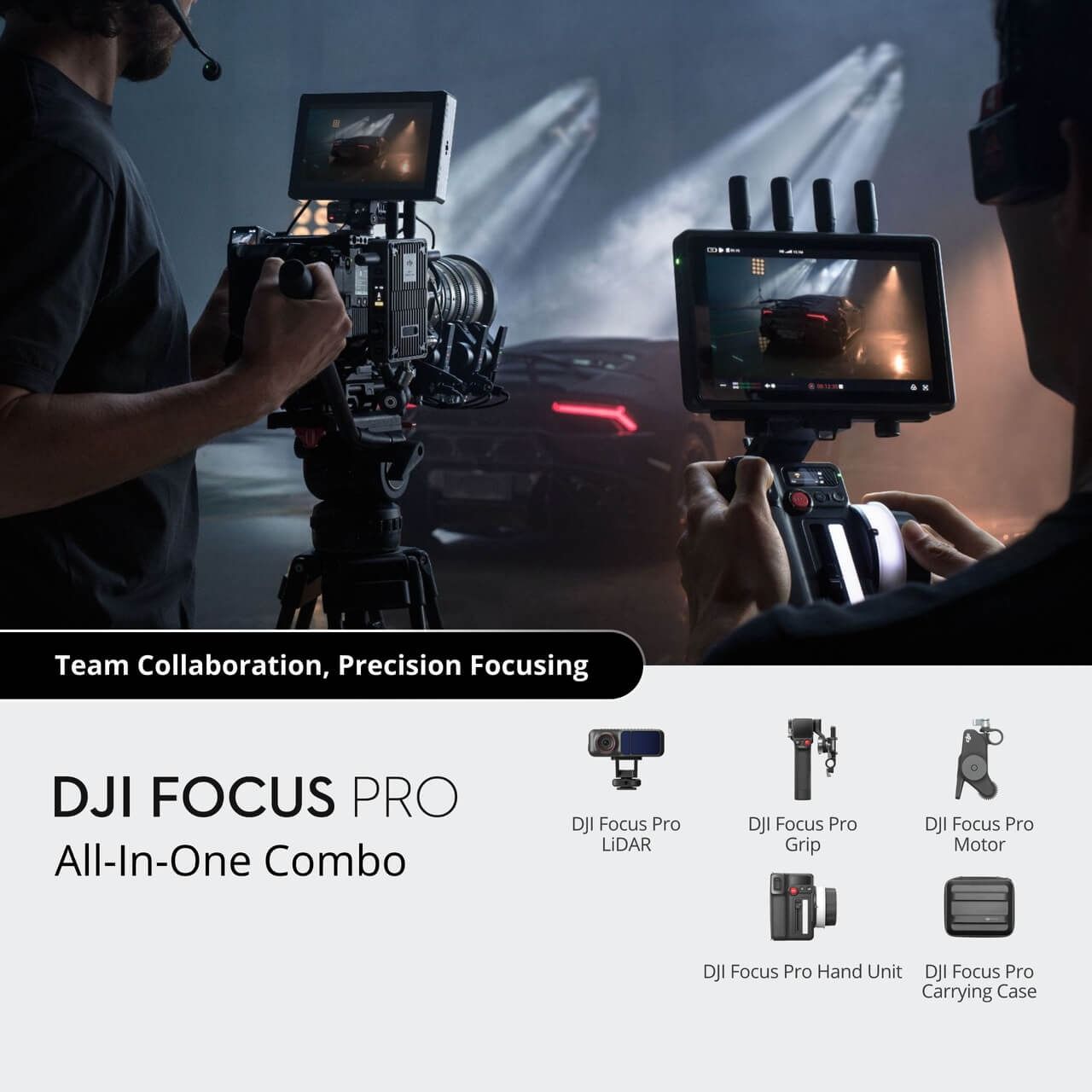
The DJI Focus Pro is DJI's first Automated Manual Focus (AMF) system, which offers advanced focus control for cinematographers. The All-in-One Combo includes the LiDAR, Grip, Motor, Hand Unit, Carrying Case, and more, providing precise focus and depth for high-quality content creation in any shooting scenario.
Product dossier
All-In-One Precision and Control
DJI Focus Pro All-In-One Combo
- Combo Overview:
The DJI Focus Pro All-In-One Combo includes the same advanced LiDAR system, grip, and motor as the Creator Combo, with the addition of a versatile Hand Unit for precise control over lens focus, zoom, and aperture, enhancing collaborative filmmaking and efficiency on set.
- Enhanced Focusing Range:
Achieve precise focusing on subjects up to 20 metres away with 76,800 LiDAR ranging points, offering three times the distance of previous models for superior object detection.
- Advanced Recognition Algorithms:
The built-in camera and improved AI algorithms ensure reliable identification of human subjects and vehicles, even when momentarily obscured, enhancing focus accuracy.
- Intuitive AMF Mode:
Visual and tactile feedback through the AMF mode allows for seamless collaboration between automatic and manual focusing, making it easier to monitor and adjust focus in real-time.
- Effortless Lens Control:
FIZ lens control with magnetic damping offers smooth and adjustable focus, iris, and zoom control, simplifying lens adjustments and improving operational efficiency.
- Comprehensive Compatibility:
The system integrates with the DJI PRO ecosystem, including Ronin stabilisers, DJI Transmission, Ronin 4D, and Inspire 3, providing a versatile and robust solution for various filming scenarios.
Full specifications
Manuals & documents
Frequently asked questions
Does the Focus Pro Motor support reverse rotation? How can I set it?⌄
The Motor supports reverse rotation, which can be set via the touchscreen on either the Grip or Hand Unit.
• Grip: Swipe up from the bottom of the touchscreen home page to enter the settings interface of the Grip, enable the Reverse Dial function, and the rotation direction of the Motor will be reversed accordingly.
• Hand Unit: Swipe down from the top of the touchscreen home page to enter the settings interface, select Invert Function Buttons Direction to set the reverse control direction for the focus knob, iris slider, and zoom stick.
What does installation distance mean?⌄
Installation distance refers to the distance between the image sensor plane of the camera and the glass surface of the LiDAR.
In Wide Mode, what does each colour of the intelligent recognition box represent?⌄
The colours of the intelligent recognition box represent the following:
• White Box: A subject that has been recognised and is being continuously focused on. 1
• Grey Box: A subject that has been recognised but is not being focused on.
• Yellow Box: A subject that has been recognised and is being locked onto for focus.
• Red Box: A subject that is about to lose its tracking status.
How do I link the Hand Unit with the Focus Pro Motor?⌄
Link the Hand Unit to your Focus Pro by pressing and holding the M button on the Hand Unit to start linking, or go to the touchscreen settings interface and select Link Motor to enter linking mode. You can also press and hold the function button on the Motor to trigger the linking process.