50-day return policy⌄
- Return within 50 days of purchase.
- Full refund for unopened, sealed, unactivated items.
- Opened products may still qualify if unused.
- For orders over £100, we can arrange your return via DPD or in-person drop-off.
Next-day delivery — order before 3pm⌄
- Order before 3pm Mon–Fri for next-working-day delivery (free over £99).
- UK Saturday delivery available on orders placed before 3pm Friday.
- After 3pm Friday — dispatched Monday.
- Some UK regions may need 2–3 working days.
Discounted options with main purchase⌄
- Bundle pricing on accessories, spares and training when bought together.
- Reduced rates on add-ons selected at checkout.
- Ask us for a tailored quote on multi-unit or fleet orders.
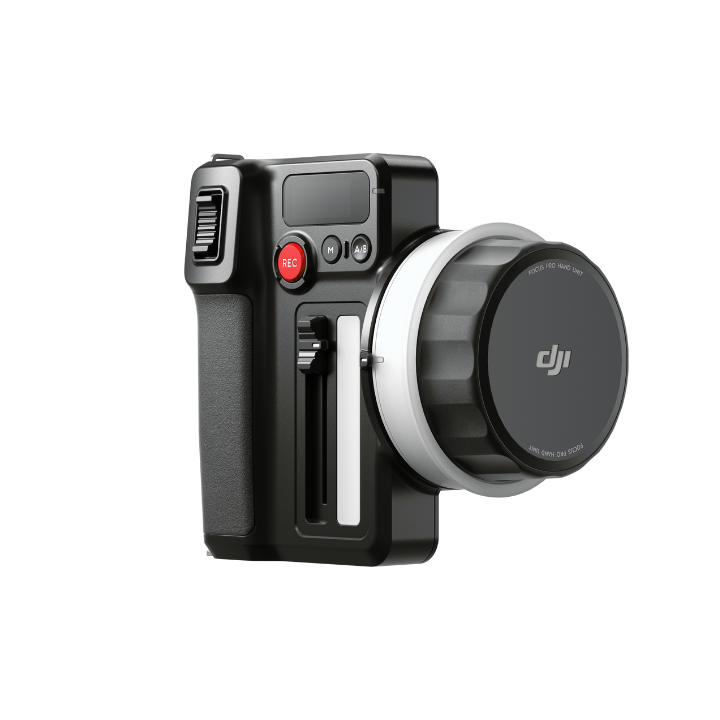
DJI Focus Pro Hand Unit
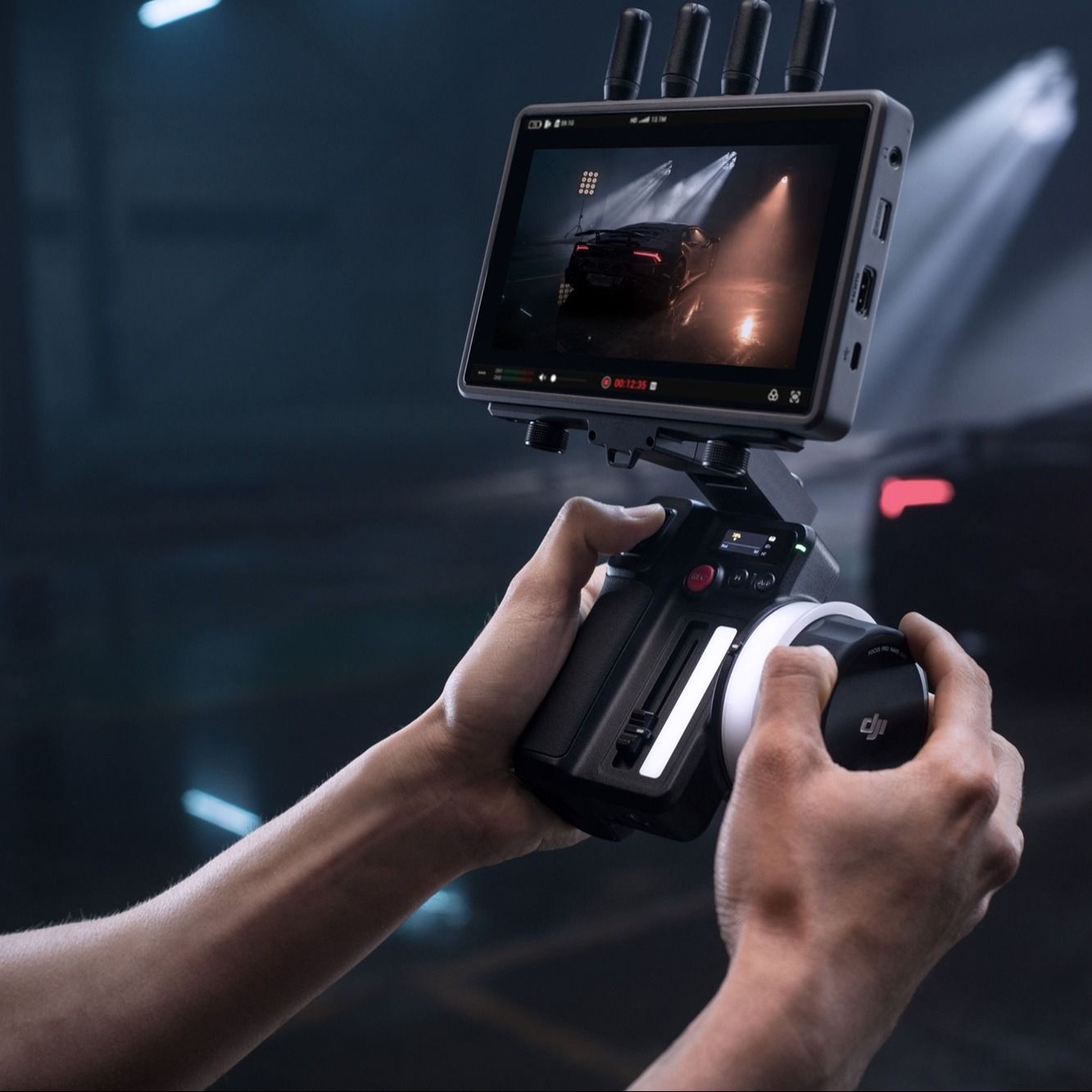
The DJI Focus Pro Hand Unit acts as a focus puller and can activate LiDAR Waveform on the DJI High-Bright Remote Monitor, providing you with intelligent focus assistance and enabling greater precision in what you shoot. It's compatible with the DJI Focus Pro Motor, the DJI Ronin 4D, and the DJI Inspire 3, but it requires the DJI High-Bright Remote Monitor.
Product dossier
Key Features
DJI Focus Pro Hand Unit
- Long-Range Wireless Communication:
The built-in RF module enables wireless communication with the DJI Focus Pro Motor from up to 160 metres away.
- Precise FIZ Control:
Offers comprehensive control over focus, iris (aperture), and zoom functions, with real-time, stepless damping adjustment to enhance precision and user comfort.
- Intelligent Focus Assistance:
Compatible with LiDAR Waveform on the High-Bright Remote Monitor, providing enhanced focus precision.
- Versatile Battery Compatibility:
Utilises the widely available NP-F550 battery model, with recommended dimensions of 71×38.6×21.1 mm (L×W×H).
- Broad Device Compatibility:
Designed for use with the DJI Focus Pro Motor, DJI Ronin 4D, and DJI Inspire 3. Requires the DJI High-Bright Remote Monitor for operation.
Full specifications
Manuals & documents
Frequently asked questions
How can I determine if the Hand Unit and Focus Pro Motor have been successfully linked?⌄
You can determine whether the Hand Unit and Motor have been successfully linked by observing the status indicator on both devices. A yellow light indicates linking is in progress; a red light indicates linking has failed; a green light indicates linking has succeeded.
How do I use the Hand Unit to control camera recording via Bluetooth?⌄
On the touchscreen home page, swipe down to access the settings interface, select Bluetooth, and tap to pair with a camera that has Bluetooth enabled. Once paired, you can control camera recording through the Hand Unit. For more compatibility information, click Camera & Lens Compatibility in the navigation bar of the product page on the official DJI website
How do I set and clear A/B points?⌄
Press the A/B button once to set point A, and then rotate the focus knob to a desired distance and press the A/B button again to set point B. To clear the A/B points, press the A/B button again.
Common questions
- How do I link the Hand Unit with the Focus Pro Motor?
- How can I determine if the Hand Unit and Focus Pro Motor have been successfully linked?