50-day return policy⌄
- Return within 50 days of purchase.
- Full refund for unopened, sealed, unactivated items.
- Opened products may still qualify if unused.
- For orders over £100, we can arrange your return via DPD or in-person drop-off.
Next-day delivery — order before 3pm⌄
- Order before 3pm Mon–Fri for next-working-day delivery (free over £99).
- UK Saturday delivery available on orders placed before 3pm Friday.
- After 3pm Friday — dispatched Monday.
- Some UK regions may need 2–3 working days.
Discounted options with main purchase⌄
- Bundle pricing on accessories, spares and training when bought together.
- Reduced rates on add-ons selected at checkout.
- Ask us for a tailored quote on multi-unit or fleet orders.
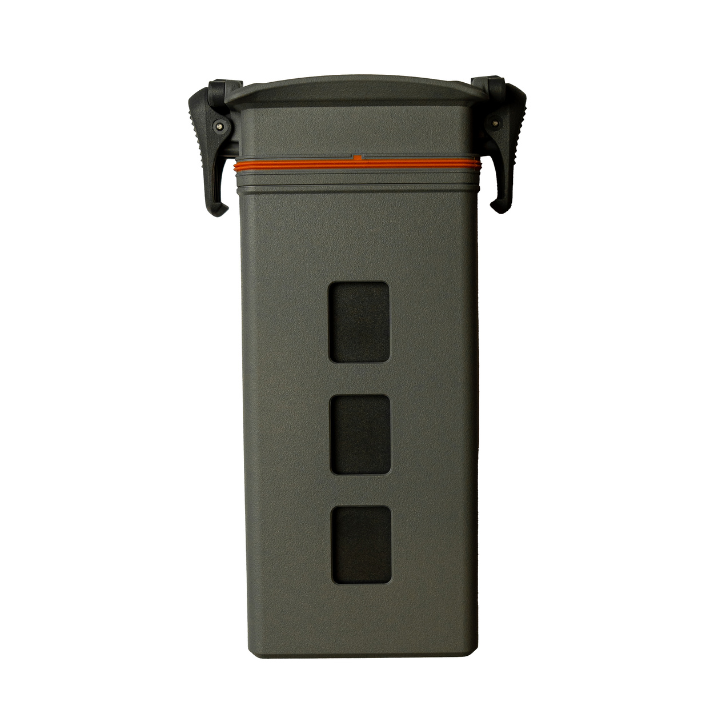
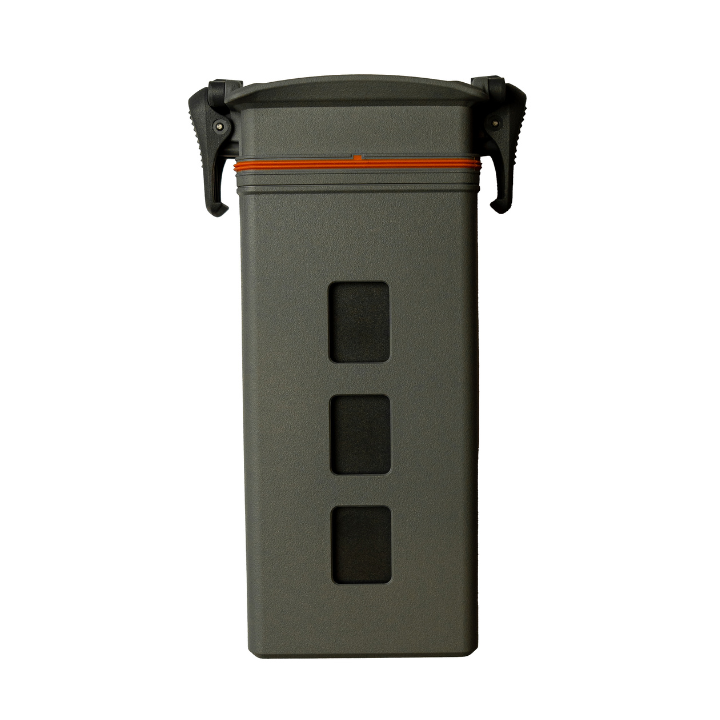
DJI Matrice 3D Series Intelligent Flight Battery
This Intelligent Flight battery powers the DJI Matrice 3D Series drones, which operate with DJI Dock 2 for up to 50 minutes per flight.
Product dossier
Fly For Up To 50 Minutes
Intelligent Flight Battery for the DJI Matrice 3D Series
- Auto-Discharging Function:
This battery automatically discharges to 96% if it is idle for three days and to 60% if it is idle for nine days to prevent swelling.
- Battery Level Display:
The battery level LEDs display the current battery level, so you can always be informed of your battery's power level.
- Balanced Charging:
Automatically balances the voltages of battery cells during charging.
- Temperature Detection:
Only charges when the temperature is between 5° and 45° C (41° and 113° F) to prevent damage.
- Over-Discharge Protection:
Disabled to ensure flight safety and allow continuous output; over-discharged batteries are locked to prevent charging.
- Short Circuit Protection:
Automatically cuts power if a short circuit is detected.
Battery Cell Damage Protection: Provides a warning prompt if a damaged battery cell is detected.
Full specifications
Manuals & documents
Frequently asked questions
How do I install and remove the DJI Matrice 3D Series Intelligent Flight Batteries?⌄
Follow these steps to install and remove DJI Matrice 3D Series Intelligent Flight Batteries:
• Install: Open the battery locking arm, insert the Intelligent Flight Battery into the compartment until it clicks, then close the arm until the orange mark is hidden, indicating it's locked.
• Remove: Open the battery locking arm and press the release button to remove the battery.
How does the DJI Matrice 3D Series Intelligent Flight Battery's self-heating function work?⌄
When the battery temperature is below 18°C (64.4°F), self-heating activates once the battery is inserted and the aircraft is powered on, turning off automatically after takeoff. The aircraft cannot take off if the battery temperature is below 10°C (50°F).
Common questions
- What is the difference between DJI Matrice 3D and DJI Matrice 3TD?
- Does the DJI Matrice 3D series support precision mapping?
- Does the DJI Matrice 3D series support Hyperlapse, ActiveShots, and Timelapse?
- How do I use the DJI Matrice 3D Series Charging Kit?
- Does the tele camera on DJI Matrice 3D support mapping without GCPs?
- Can I use the DJI Matrice 3D series across countries or regions?