50-day return policy⌄
- Return within 50 days of purchase.
- Full refund for unopened, sealed, unactivated items.
- Opened products may still qualify if unused.
- For orders over £100, we can arrange your return via DPD or in-person drop-off.
Next-day delivery — order before 3pm⌄
- Order before 3pm Mon–Fri for next-working-day delivery (free over £99).
- UK Saturday delivery available on orders placed before 3pm Friday.
- After 3pm Friday — dispatched Monday.
- Some UK regions may need 2–3 working days.
Discounted options with main purchase⌄
- Bundle pricing on accessories, spares and training when bought together.
- Reduced rates on add-ons selected at checkout.
- Ask us for a tailored quote on multi-unit or fleet orders.
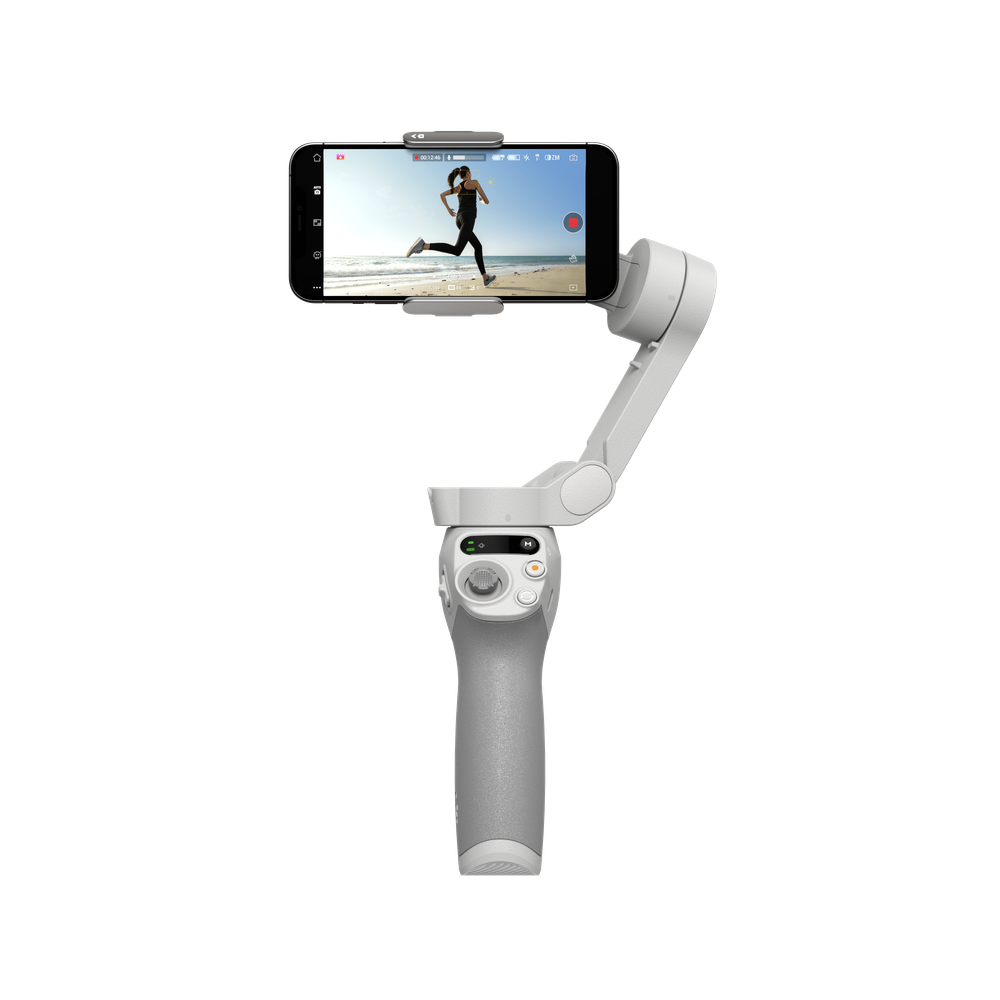
DJI Osmo Mobile SE
A lightweight gimbal stabiliser with foldable design, magnetic quick release, and smart features. Includes grip tripod.
Product dossier
Shake-Free Smooth Footage
DJI Osmo Mobile SE
- 3-Axis Stabilisation:
DJI Osmo Mobile SEuses advanced control algorithms for real-time compensation, minimising camera shake for smooth footage.
- Magnetic Design:
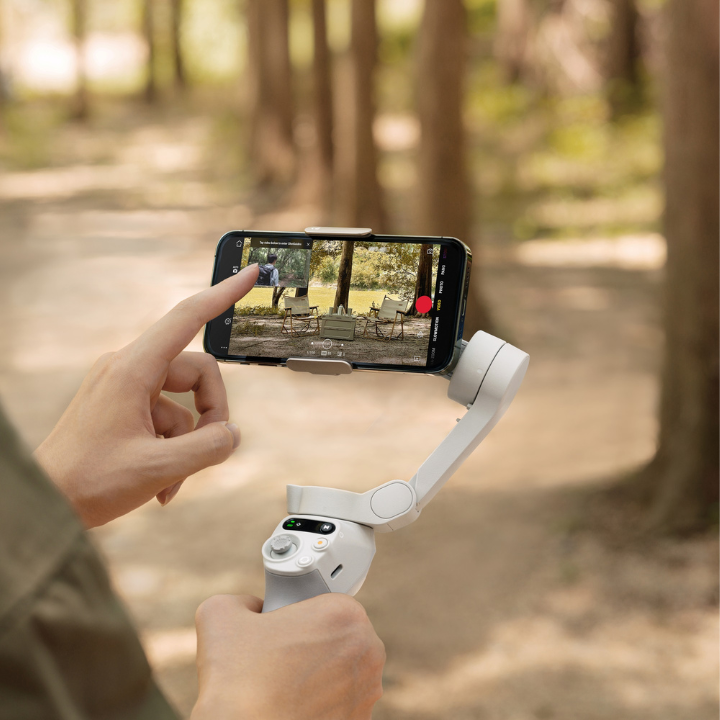
Clamp your smartphone onto the gimbal and snap it on or off easily, allowing quick removal for calls and sharing.
- Portable and Foldable:
The compact, foldable design fits in your pocket, making it easy to store and ready for spontaneous shooting.
- ActiveTrack 5.0:
This software keeps subjects in focus and smoothly tracks them, even in crowded or dynamic scenes, and now offers improved stability for tracking pets.
- One-Tap Editing:
After filming, you can access a variety of video templates in the DJI Mimo app to effortlessly create a digital family keepsake with just one tap.
- Quick Roll:
Switch effortlessly between horizontal and vertical filming for versatile content creation, whether moving or stationary.
Full specifications
Manuals & documents
Frequently asked questions
Can I detach and reattach the Magnetic Phone Clamp to my smartphone? ⌄
Yes, you can detach and reattach the Magnetic Phone Clamp to your smartphone.
How do I enable Gesture Control on DJI Osmo Mobile 6? What gestures are supported?⌄
To enable Gesture Control, connect your smartphone to Osmo Mobile SE, launch the DJI Mimo app, and tap the Gesture Control icon next to the shutter button to enable the function. Tap the "?" icon to view detailed instructions.
Can I replace the battery of the DJI Osmo Mobile 6?⌄
No, you cannot replace the DJI Osmo Mobile SE battery.
Common questions
- Is Osmo Mobile SE waterproof?
- What are the differences between Osmo Mobile 6 and Osmo Mobile SE?
- Does Osmo Mobile SE require balancing before use?
- Can Osmo Mobile SE work with the DJI OM 4 SE tripod?
- Can Osmo Mobile SE be stored in the Osmo Carrying Case?
- Compared with DJI OM 4 SE, what upgrades does Osmo Mobile SE have?