50-day return policy⌄
- Return within 50 days of purchase.
- Full refund for unopened, sealed, unactivated items.
- Opened products may still qualify if unused.
- For orders over £100, we can arrange your return via DPD or in-person drop-off.
Next-day delivery — order before 3pm⌄
- Order before 3pm Mon–Fri for next-working-day delivery (free over £99).
- UK Saturday delivery available on orders placed before 3pm Friday.
- After 3pm Friday — dispatched Monday.
- Some UK regions may need 2–3 working days.
Discounted options with main purchase⌄
- Bundle pricing on accessories, spares and training when bought together.
- Reduced rates on add-ons selected at checkout.
- Ask us for a tailored quote on multi-unit or fleet orders.
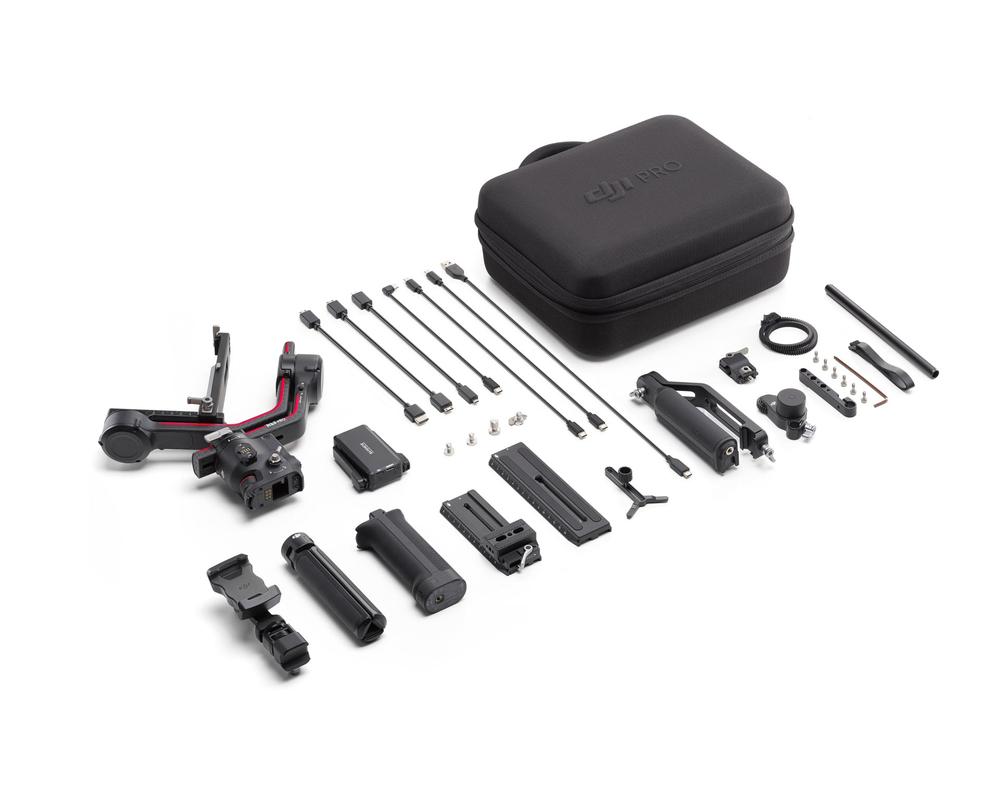
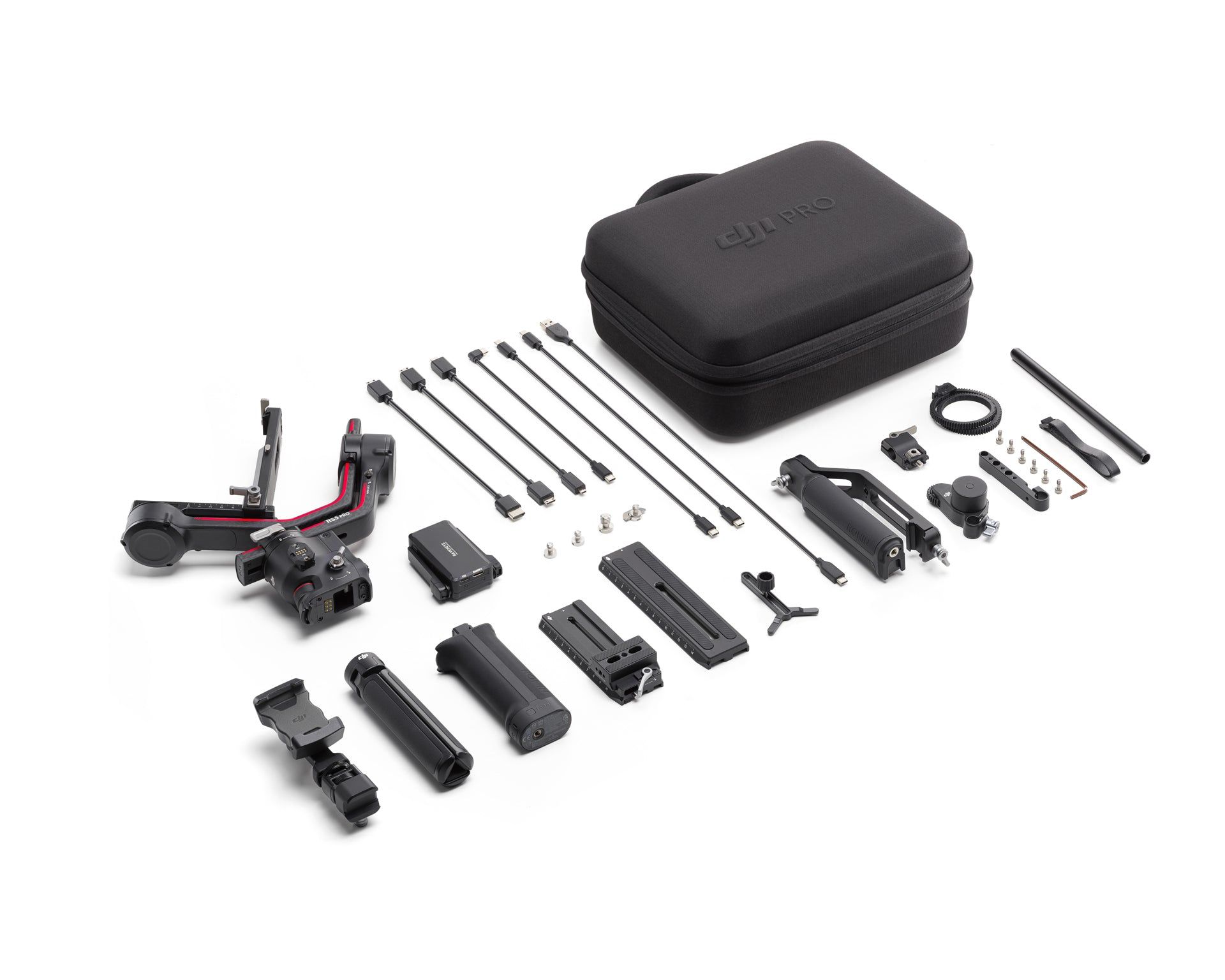
DJI RS 3 Pro Combo
The DJI RS 3 Pro is a lightweight stabiliser tailored for high-end filmmakers. It includes a LiDAR Range Finder and an advanced tracking system with broad accessory compatibility.
Product dossier
Lighter and Stronger
DJI RS 3 Pro Combo
- Lightweight and High Payload Capacity:
The RS 3 Pro weighs 1.5 kg (3.3 lbs) with a tested payload capability of 4.5 kg (10 lbs), providing robust support for heavy camera rigs.
- Extended Carbon Fibre Arms:
Constructed from a single piece of carbon fibre for increased strength and reduced weight, supporting balanced setups for professional cameras such as the Sony FX6, Canon C70, and RED Komodo.
- Automated Axis Locks:
Allows for quick setup by automatically unlocking and expanding the axes with a single press and hold of the power button.
- Bluetooth Shutter Button:
Enables remote camera control for seamless shooting.
- 1.8-Inch OLED Touchscreen:
Provides clear, real-time information and control over gimbal settings.
- Gimbal Mode Switch:
Easily switch between different shooting modes for versatile filming options.
Full specifications
Manuals & documents
Frequently asked questions
How do I enable SuperSmooth mode on DJI RS 3 Pro?⌄
Tap the gimbal calibration icon on the touchscreen of the gimbal and enable SuperSmooth mode.* Tap Start Calibration to perform calibration for better stabilization.
* Before using SuperSmooth mode, make sure you have installed the lens-fastening support.
How do I use the automated axis locks on DJI RS 3 Pro?⌄
Press and hold the power button when the gimbal is powered off, and the three axes unlock and expand automatically for use within just a few seconds. Press the power button again to lock the axes and power off the gimbal. Press the power button once during use, and the axes automatically lock and enter sleep mode. Press once again to unlock and wake.
Is DJI RS 3 Pro waterproof?⌄
No, the ports on the DJI RS 3 are not waterproof or dustproof. Please avoid water and dust during use to prevent damaging the device.
Common questions
- What accessories can be used interchangeably among DJI RS 4 Pro, DJI RS 4, DJI RS 3 Pro, DJI RS 3, and DJI RS 2?
- Is DJI RS 3 Pro waterproof?
- What are the differences between DJI RS 4 Pro and DJI RS 3 Pro?
- Are the battery grips of DJI RS 4 Pro, DJI RS 4, and DJI RS 3 Pro interchangeable?
- Are the battery grips of DJI RS 3 Pro, DJI RS 3, and DJI RS 2 interchangeable?
- How do I activate DJI RS 3 Pro?