50-day return policy⌄
- Return within 50 days of purchase.
- Full refund for unopened, sealed, unactivated items.
- Opened products may still qualify if unused.
- For orders over £100, we can arrange your return via DPD or in-person drop-off.
Next-day delivery — order before 3pm⌄
- Order before 3pm Mon–Fri for next-working-day delivery (free over £99).
- UK Saturday delivery available on orders placed before 3pm Friday.
- After 3pm Friday — dispatched Monday.
- Some UK regions may need 2–3 working days.
Discounted options with main purchase⌄
- Bundle pricing on accessories, spares and training when bought together.
- Reduced rates on add-ons selected at checkout.
- Ask us for a tailored quote on multi-unit or fleet orders.
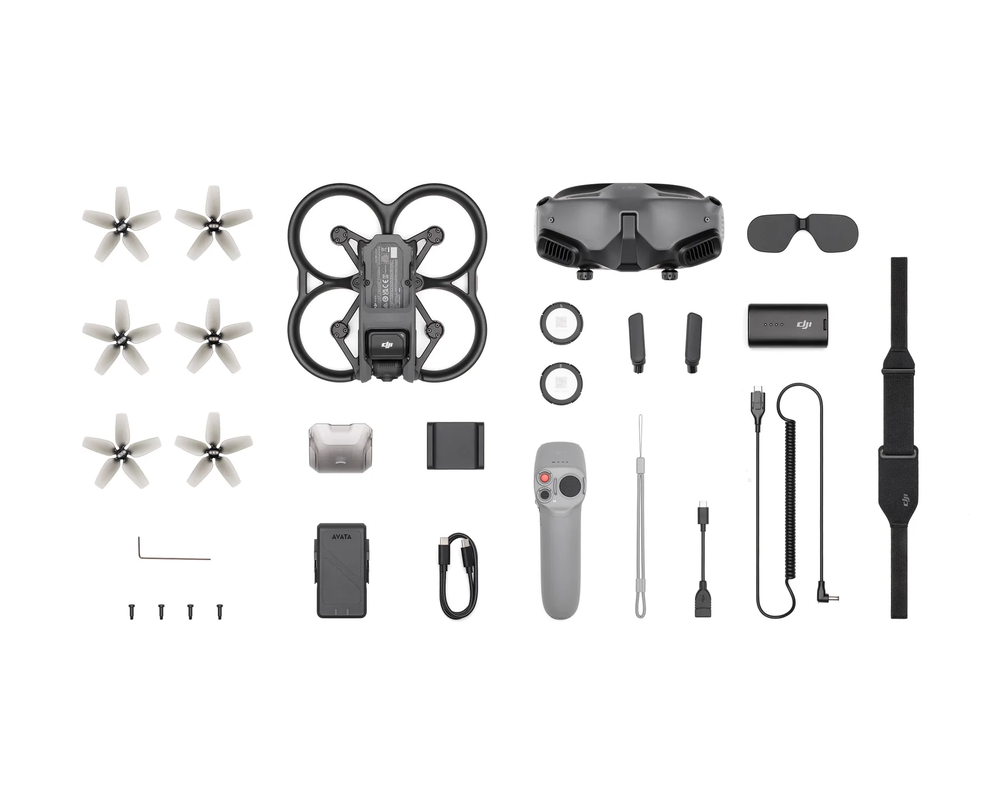
Rental DJI Avata Pro Combo
Please upload the required information and documentation to complete your rental.
What do I need to book a rental?
Provide a few key documents, then enjoy your hire.
Insurance
Insure your rental under a hired-in (non-owned) equipment policy. We’ll need a certificate before your kit ships.
Flyer ID
Hold a valid CAA Flyer ID, plus an Operator ID covering the category of aircraft you’re hiring.
Proof of ID
After checkout, send a copy of your passport or driving licence so we can verify the booking.
Product dossier
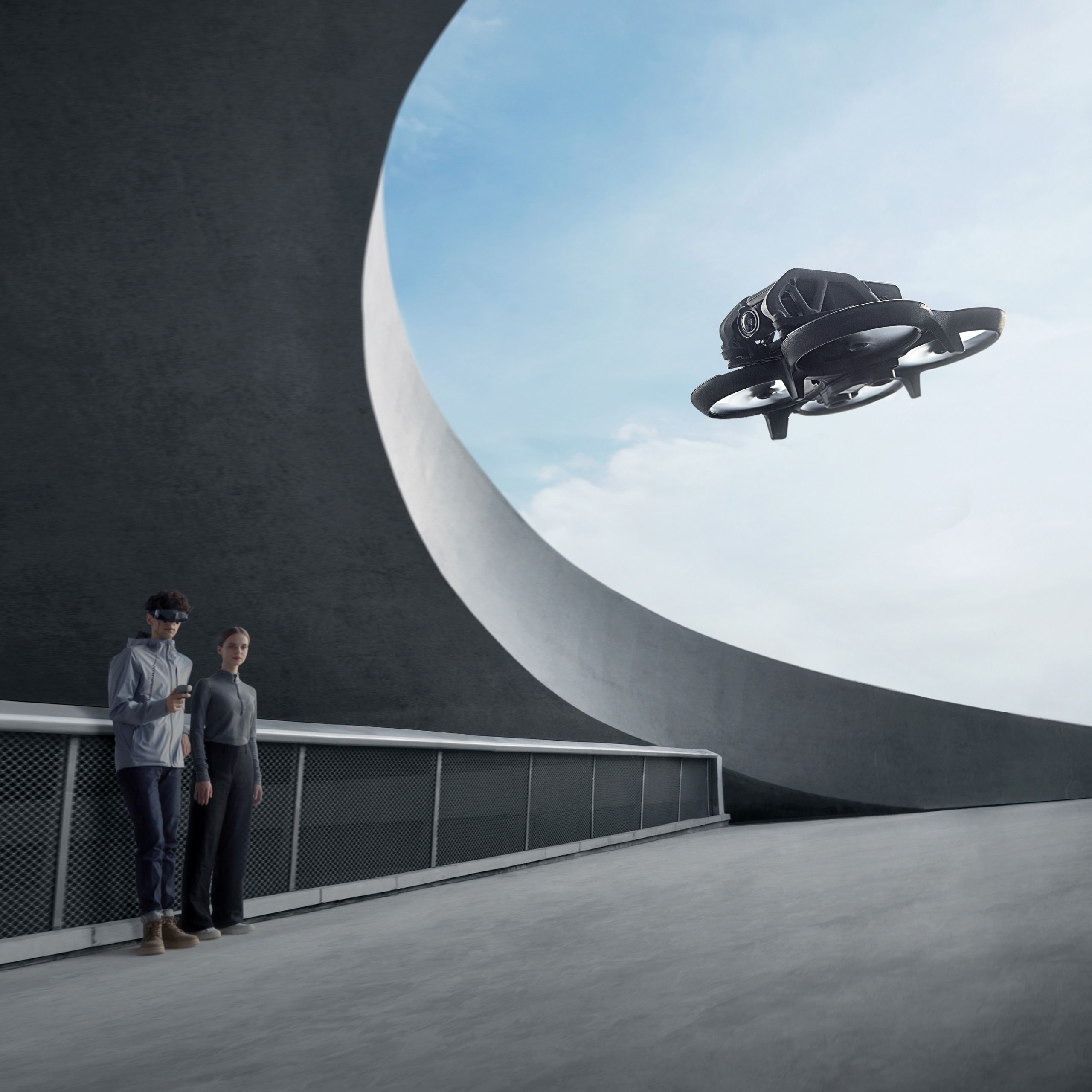
Safe And Immersive FPV Flight
DJI Avata Key Features
Immersive flight experience.
Intuitive motion control.
4K/60fps 155 super-wide FOV videos.
Powerful video stabilisation.
Lightweight and portable.
Enhanced safety with built-in propeller guards.
Full specifications
Manuals & documents
Frequently asked questions
What is the difference between DJI Avata and ordinary camera drones? Is it worth buying?⌄
Compared with ordinary camera drones, DJI Avata supports motion control to provide more immersive flight experience. DJI Avata can be used with goggles and DJI Motion Controller. The easy and intuitive control allows you to experience a more immersive flight and aerial photography. The aircraft body is lightweight and portable, making it flexible to fly in various scenarios. It also comes with a built-in propeller guard to further improve flight safety. Compared with the 84° FOV of ordinary camera drones, the video recording FOV of DJI Avata has been expanded to 155°. This expanded FOV makes a breakthrough in aerial photography and facilitates more impactful visual effects.
What is the difference between using DJI Avata with the motion controller compared to a standard controller?⌄
With the motion controllers, DJI Avata can manoeuvre based on your natural hand movements, delivering an immersive flight experience as if you were in the pilot seat. The remote controllers are more suitable for users who are accustomed to the dual-stick control mode and want to achieve precise control.
What are the benefits of choosing DJI Avata for beginners?⌄
When using a DJI Motion Controller in one of the combos, you can perform motion control on the aircraft. That is, you can turn your wrist to control the direction of flight, and the aircraft will fly wherever you point to. You can also press the accelerator to control the speed of flying forward, or release the accelerator to let the aircraft hover in place. The control is intuitive and easy-to-learn.
With DJI Goggles 2, you can use the head tracking function. Together with DJI Motion Controller, the easy and intuitive control can bring a stronger sense of immersion and allow you to easily complete various kinds of flight movements.
DJI Avata is compatible with the DJI Virtual Flight app. When using it with the goggles and remote controller, you can immerse yourself in the vivid scenarios and start flight simulation, get realistic control feedback, and master flight skills and emergency handling methods. As a result, you can be more confident when flying in the real world.
How safe is DJI Avata?⌄
DJI Avata comes with a built-in propeller guard, so that the aircraft body is stronger and more durable, and can fly normally after minor collisions.
DJI Avata is equipped with downward obstacle sensing capability. In case of an emergency during flight, you only need to press the Emergency Brake and Hover button on the DJI Motion Controller, and the aircraft can hover in the air to leave plenty of buffer space for you.
If the battery is low, it will trigger the Return to Home (RTH) feature*, and the return point can be presented in AR form to show the direction information more intuitively.
* RTH is available when there is a good GPS signal.
Does DJI Avata support other remote controllers and goggles?⌄
DJI Avata is compatible with: DJI Goggles 2 DJI Goggles Integra DJI FPV Goggles V2 DJI FPV Remote Controller 2 DJI RC Motion 2 DJI Motion Controller
Can I use DJI Avata without the goggles?⌄
No. DJI Avata must be used with goggles.
Does my Heliguy rental include an SD card?⌄
No, heliguy™ rentals do not come with any external SD cards.