50-day return policy⌄
- Return within 50 days of purchase.
- Full refund for unopened, sealed, unactivated items.
- Opened products may still qualify if unused.
- For orders over £100, we can arrange your return via DPD or in-person drop-off.
Next-day delivery — order before 3pm⌄
- Order before 3pm Mon–Fri for next-working-day delivery (free over £99).
- UK Saturday delivery available on orders placed before 3pm Friday.
- After 3pm Friday — dispatched Monday.
- Some UK regions may need 2–3 working days.
Discounted options with main purchase⌄
- Bundle pricing on accessories, spares and training when bought together.
- Reduced rates on add-ons selected at checkout.
- Ask us for a tailored quote on multi-unit or fleet orders.
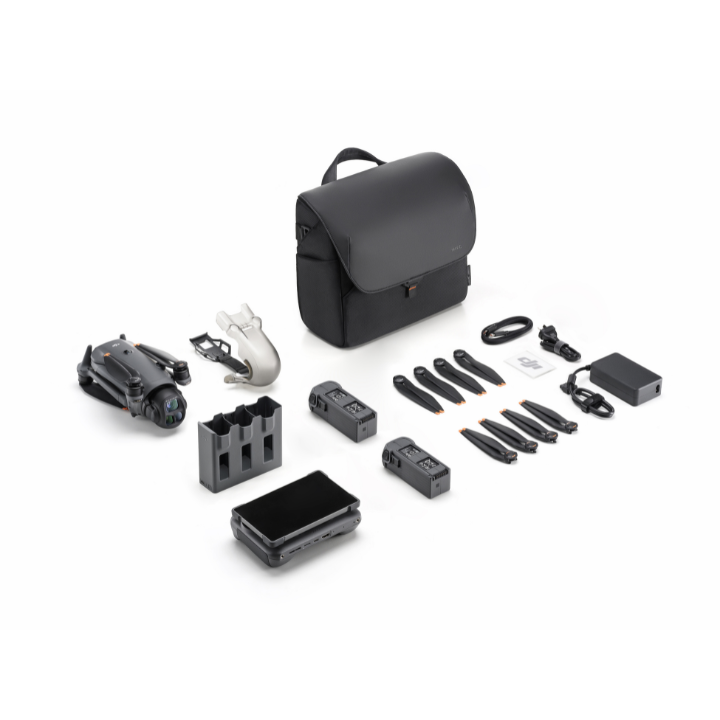
Rental DJI Mavic 4 Pro Creator Combo
Please upload the required information and documentation to complete your rental.
What do I need to book a rental?
Provide a few key documents, then enjoy your hire.
Insurance
Insure your rental under a hired-in (non-owned) equipment policy. We’ll need a certificate before your kit ships.
Flyer ID
Hold a valid CAA Flyer ID, plus an Operator ID covering the category of aircraft you’re hiring.
Proof of ID
After checkout, send a copy of your passport or driving licence so we can verify the booking.
Product dossier
Unmatched imaging, sensing and endurance
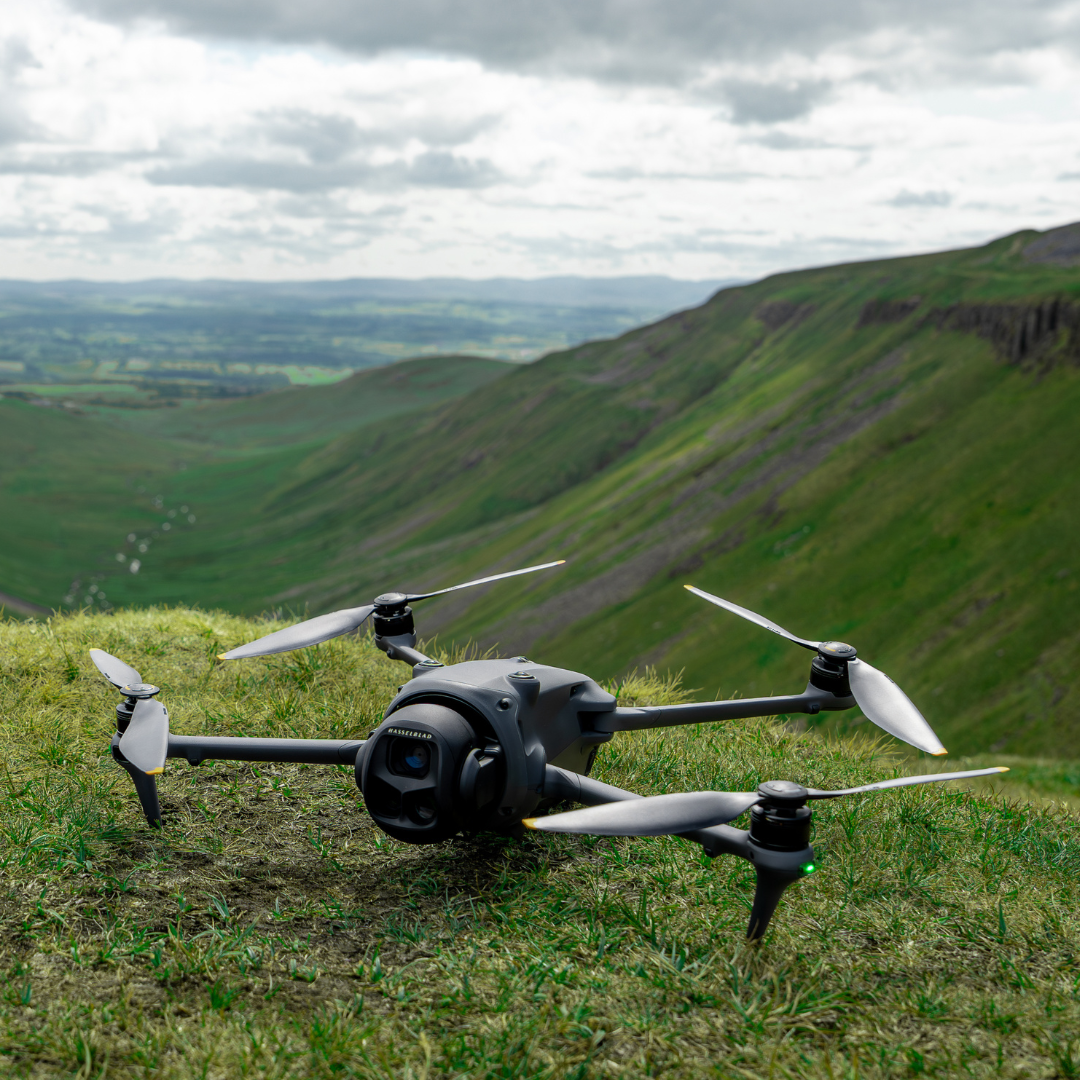
Triple-Camera and Infinity Gimbal
- 100 MP Hasselblad Main Camera:
4/3″ CMOS sensor captures 6K/60 fps HDR video for exceptional clarity and dynamic range.
- Dual Tele Cameras:
1/1.3″ and 1/1.5″ large‑format CMOS sensors extend your reach with detailed zoom shots.
- Infinity Gimbal:
360° rotation enables dynamic, uninterrupted camera movement for creative perspectives.
- Nightscape Obstacle Sensing:
0.1 lux omnidirectional sensors detect obstacles in near‑dark conditions for safer night flights.
- Long Flight Endurance:
Up to 51 minutes of flight time lets you capture more without frequent battery swaps.
- O4+ Video Transmission:
Delivers 10‑bit HDR feed up to 30 km away for crystal‑clear, low‑latency monitoring.
Full specifications
Frequently asked questions
Does my Heliguy rental include an SD card?⌄
No, heliguy™ rentals do not come with any external SD cards.
Is DJI Mavic 4 Pro waterproof?⌄
No. Avoid contact with water during use, as it may damage the device. If it rains during the flight, return and land as soon as possible, and wait until the aircraft is fully dry inside and out before using it again.
What should I be aware of regarding the forward-facing LiDAR?⌄
Here are some top tips... Keep it clean – Dirt or debris on the forward-facing LiDAR can cause false obstacle detection. Regularly clean the sensor to ensure accurate performance. Lighting matters – The LiDAR functions automatically in moderately lit environments, but may not perform properly in very bright light. Always check ambient lighting conditions to ensure safe and reliable obstacle sensing.
What app do I need to install before using DJI Mavic 4 Pro?⌄
DJI Mavic 4 Pro can only be used with the DJI Fly app. You can download the latest version of DJI Fly from the DJI Mavic 4 Pro Downloads page on the official DJI website. If you use DJI RC Pro 2 or DJI RC 2 as the remote controller, it comes with the pre-installed DJI Fly app.
How do I enable HDR mode on DJI Mavic 4 Pro?⌄
The DJI Mavic 4 Pro automatically enables HDR mode in most supported shooting settings—no manual activation is required. However, HDR is not available in the following modes: 1. Photo: 28mm Main Camera: 100MP 70mm Medium Tele Camera: 48MP 168mm Tele Camera: 50MP 2. Video: 28mm Main Camera: Slow motion 70mm Medium Tele Camera: Slow motion, 2.7K vertical shooting (48–60fps) 168mm Tele Camera: Slow motion, 2.7K vertical shooting (48–60fps) In all other supported modes, HDR will be applied automatically.
How does the Dual Native ISO Fusion work on DJI Mavic 4 Pro?⌄
The DJI Mavic 4 Pro uses Dual Native ISO Fusion in most shooting modes. This technology blends signals from two analogue gain circuits to deliver improved dynamic range, especially in high-contrast scenes. However, Dual Native ISO Fusion is not supported in the following modes: 1. Photo: 28mm Main Camera: 100MP 70mm Medium Tele Camera: 48MP 168mm Tele Camera: 50MP In these modes, the system uses two fixed ISO values: 100 (low gain) and 400 (high gain). ISO below 400 uses the low-gain circuit; ISO 400 or higher uses the high-gain circuit. 2. Video: 28mm Main Camera: Slow Motion 70mm Medium Tele Camera: Slow Motion, 2.7K Vertical Shooting (48–60fps) 168mm Tele Camera: Slow Motion, 2.7K Vertical Shooting (48–60fps) In these video modes: With Normal, D-Log M, or HLG colour profiles, the dual native ISO values are 100 and 400. With the D-Log profile, the values shift to 400 and 1600. ISO below the higher value uses the low-gain circuit; once the threshold is passed, the high-gain circuit activates. This setup ensures optimal image quality based on ISO settings and the selected profile.
Do DJI RC 2/DJI RC Pro 2 support fast charging?⌄
Yes. The USB-C port supports up to 9V/3A power input (with a 9V/3A charger), and DJI RC Pro 2 supports the PD protocol and up to 65 watts fast charging.
How to customise button functions on DJI RC 2/DJI RC Pro 2?⌄
You can customise the functions of buttons like C1, C2, and the right dial in the DJI Fly app on DJI RC 2/DJI RC Pro 2 for quick operations.