50-day return policy⌄
- Return within 50 days of purchase.
- Full refund for unopened, sealed, unactivated items.
- Opened products may still qualify if unused.
- For orders over £100, we can arrange your return via DPD or in-person drop-off.
Next-day delivery — order before 3pm⌄
- Order before 3pm Mon–Fri for next-working-day delivery (free over £99).
- UK Saturday delivery available on orders placed before 3pm Friday.
- After 3pm Friday — dispatched Monday.
- Some UK regions may need 2–3 working days.
Discounted options with main purchase⌄
- Bundle pricing on accessories, spares and training when bought together.
- Reduced rates on add-ons selected at checkout.
- Ask us for a tailored quote on multi-unit or fleet orders.
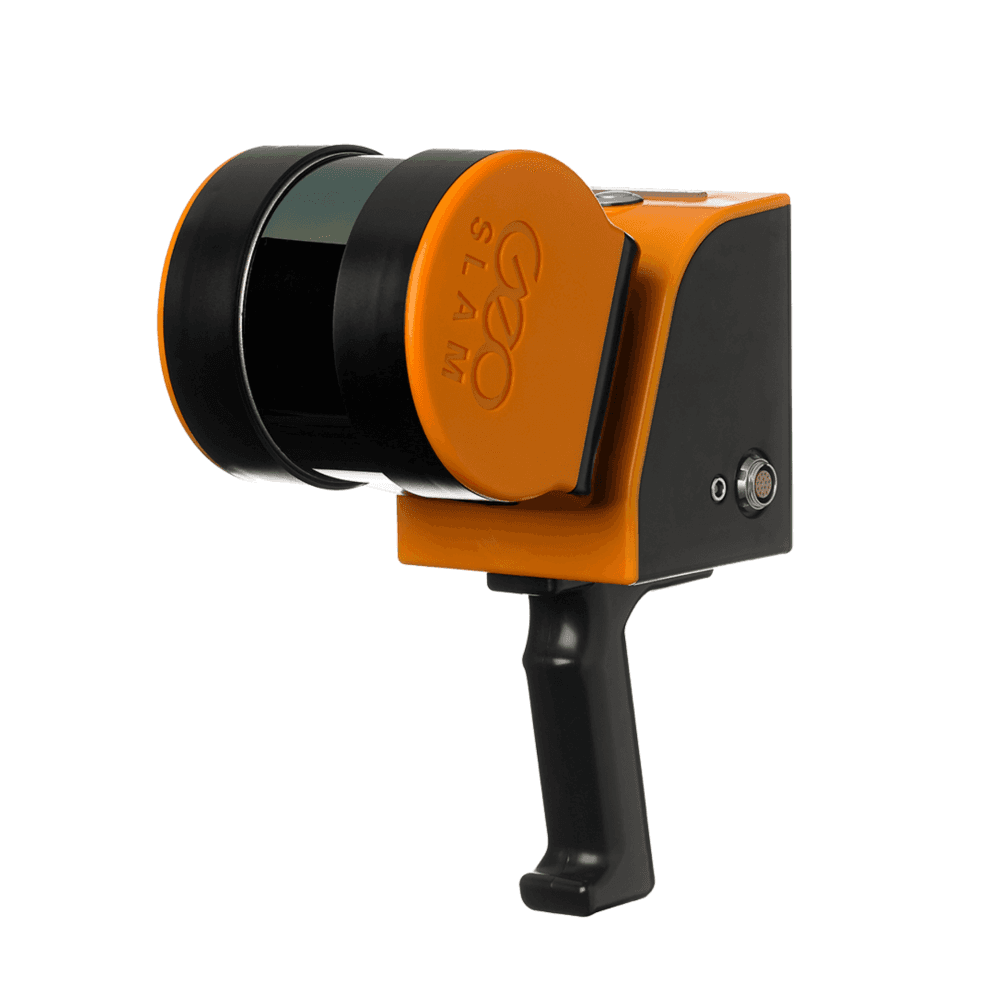
Rental GeoSLAM ZEB Horizon
Please upload the required information and documentation to complete your rental.
What do I need to book a rental?
Provide a few key documents, then enjoy your hire.
Insurance
Insure your rental under a hired-in (non-owned) equipment policy. We’ll need a certificate before your kit ships.
Flyer ID
Hold a valid CAA Flyer ID, plus an Operator ID covering the category of aircraft you’re hiring.
Proof of ID
After checkout, send a copy of your passport or driving licence so we can verify the booking.
Product dossier
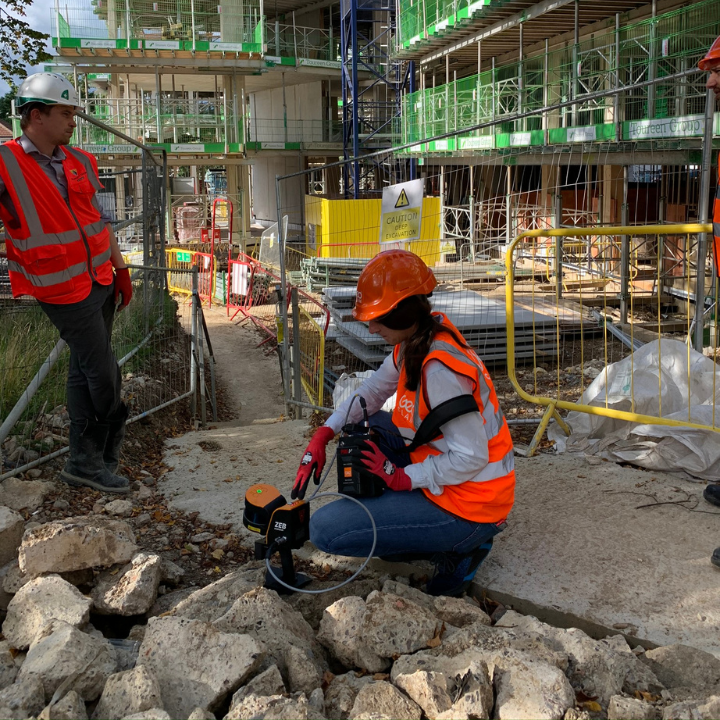
Rapid on-the-go mapping
Key Features Of GeoSLAM ZEB Horizon
Scan range of 100 metres and capture 300,000 points per second
High-accuracy - 1-3cm
Simple and easy deployment
No additional positioning sensors required
No need for GPS
See intensity values
Full specifications
Manuals & documents
Frequently asked questions
What is the best workflow to optimise mapping with the GeoSLAM ZEB Horizon?⌄
It is recommended to scan for a maximum of 15 to 20 minutes, keeping the scans small should require less processing resources on your PC. If you’re starting your scan outside make sure you are in a feature-rich environment and are aware of your starting position or can identify a feature that you can to return later. If you’re collecting multiple scans, it would be best practice to start and stop scans in the same location and capture a 15 to 20% overlap, which makes merging datasets easier.
Can I create true-colour point clouds with GeoSLAM ZEB Horizon?⌄
You can generate true-colour point clouds with the ZEB Horizon, however, the ZEB Cam accessory (not included) is required to achieve true-colour generation.
Does my Heliguy rental include an SD card?⌄
No, heliguy™ rentals do not come with any external SD cards.
Common questions
- Can I create true-colour point clouds with GeoSLAM ZEB Horizon?
- What is the best workflow to optimise mapping with the GeoSLAM ZEB Horizon?