50-day return policy⌄
- Return within 50 days of purchase.
- Full refund for unopened, sealed, unactivated items.
- Opened products may still qualify if unused.
- For orders over £100, we can arrange your return via DPD or in-person drop-off.
Next-day delivery — order before 3pm⌄
- Order before 3pm Mon–Fri for next-working-day delivery (free over £99).
- UK Saturday delivery available on orders placed before 3pm Friday.
- After 3pm Friday — dispatched Monday.
- Some UK regions may need 2–3 working days.
Discounted options with main purchase⌄
- Bundle pricing on accessories, spares and training when bought together.
- Reduced rates on add-ons selected at checkout.
- Ask us for a tailored quote on multi-unit or fleet orders.
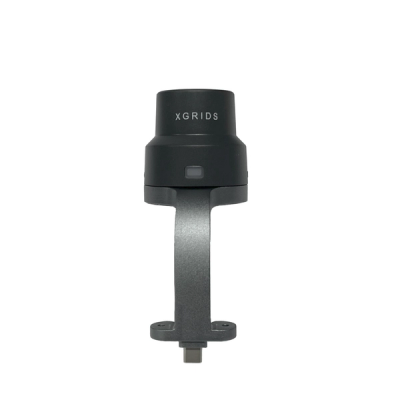
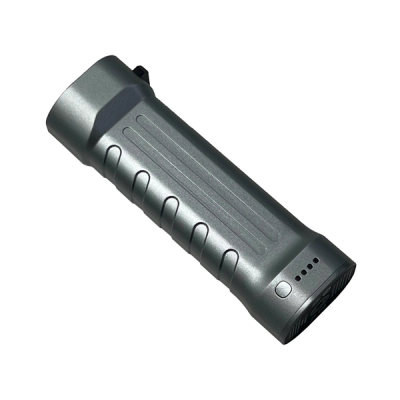
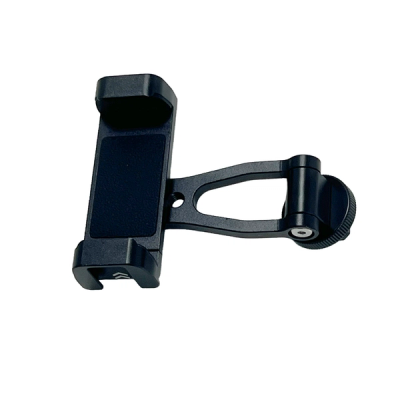
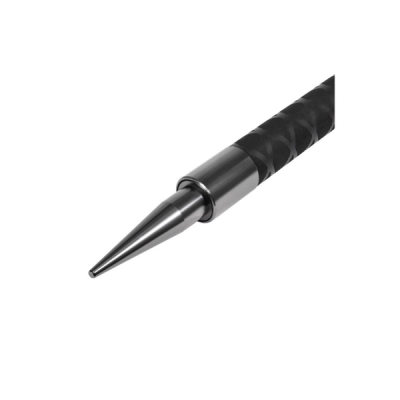
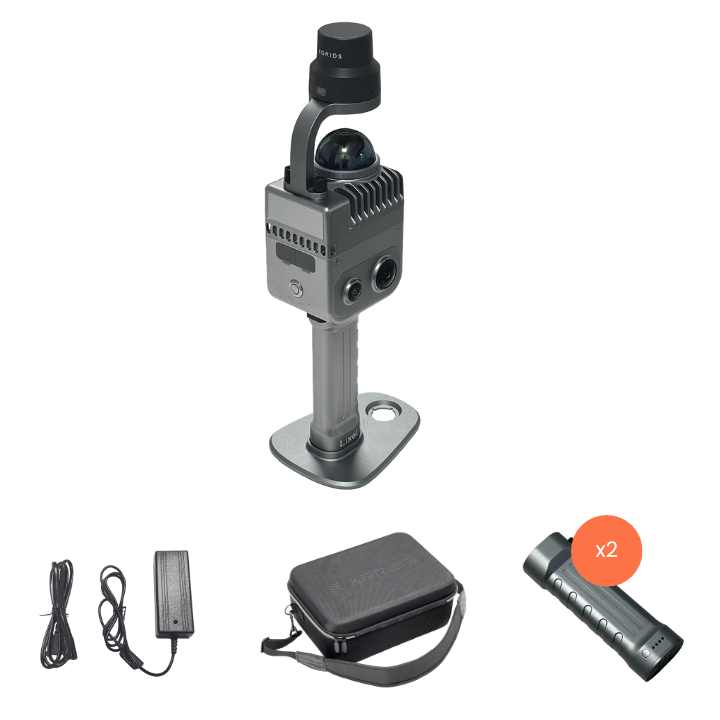
XGRIDS Lixel K1 RTK Combo
XGRIDS Lixel K1 is a handheld scanner with Gaussian Splat capabilities. This combo includes the RTK module for precise RTK positioning.
Expert UK team · tailored advice · no obligation
Product dossier
XGRIDS K1: On-The-Go Mobile Mapping
Quality Data In Complex Environments
- Panoramic Camera:
56MP, 360*360 True Panoramas.
- LiDAR Module:
40 channels, 200,000 points/s; Accuracy 1.2cm; Scanning distance 40m; 360° horizontal FOV.
- True-colour Point Clouds:
Generate finely-detailed true-colour point clouds in real-time.
- Updated Multi-SLAM:
Multi-sensor data fusion, including laser, vision, GNSS data, and high-performance computing, ensures stable scanning with enhanced scene adaptability.
- Complex Operations:
Collect data indoors, in the dark, and in complex environments. The Lixel K1 is IP54 rated.

Full specifications
Frequently asked questions
How accurate is the XGRIDS Lixel K1?⌄
The LiDAR module on the XGRIDS Lixel K1 can yield an accuracy of 1.2cm.
Can the XGRIDS Lixel K1 produce colourised point clouds?⌄
Yes. The K1's combination of laser point clouds and 56MP imaging allows it to generate richly-coloured and finely detailed 3D point cloud models in real-time.
What XGRIDS equipment can I use the XGRIDS Lixel K1 RTK Module with?⌄
This RTK module is exclusively compatible with the XGRIDS Lixel K1.
How do I connect the XGRIDS Lixel K1 RTK Module to the LixelGO App?⌄
Turn on the scanner and connect it to the LixelGO App. Follow the specific steps in the Scanning Workflow guide for detailed instructions.
How can I ensure scanning accuracy with the XGRIDS Lixel K1 RTK Module?⌄
To maintain accuracy you should:
• Keep the RTK module in a "Fixed" state most of the time.
• Ensure RTK valid data exceeds 100 for successful coordinate conversion in LixelStudio.
• Avoid tilting the RTK module more than 15°.
• Maintain a scanning range of at least 10m.
What steps are needed to start scanning with the XGRIDS Lixel K1 RTK Module?⌄
Ensure the RTK module indicator light turns green, and the App shows the RTK signal as "Fixed." Only then should you begin scanning operations.
What should I do if the RTK module light on the XGRIDS Lixel K1 turns blue?⌄
If the indicator light turns blue, check the satellite number on the App to confirm proper signal strength and connectivity.
How do I install the battery in the XGRIDS Lixel K1 RTK Module?⌄
Follow these steps to install the XGRIDS Lixel K1 Battery:
1. Press the battery buckle to release the locking mechanism.
2. Insert the battery into the bottom of the device, ensuring it is securely and tightly fitted.
3. Release the buckle and confirm that the battery is properly locked in place.
Common questions
- What XGRIDS equipment can I use the XGRIDS Lixel K1 RTK Module with?
- How can I ensure scanning accuracy with the XGRIDS Lixel K1 RTK Module?
- How do I install the battery in the XGRIDS Lixel K1 RTK Module?
- What steps are needed to start scanning with the XGRIDS Lixel K1 RTK Module?
- How do I connect the XGRIDS Lixel K1 RTK Module to the LixelGO App?
- What should I do if the RTK module light on the XGRIDS Lixel K1 turns blue?