50-day return policy⌄
- Return within 50 days of purchase.
- Full refund for unopened, sealed, unactivated items.
- Opened products may still qualify if unused.
- For orders over £100, we can arrange your return via DPD or in-person drop-off.
Next-day delivery — order before 3pm⌄
- Order before 3pm Mon–Fri for next-working-day delivery (free over £99).
- UK Saturday delivery available on orders placed before 3pm Friday.
- After 3pm Friday — dispatched Monday.
- Some UK regions may need 2–3 working days.
Discounted options with main purchase⌄
- Bundle pricing on accessories, spares and training when bought together.
- Reduced rates on add-ons selected at checkout.
- Ask us for a tailored quote on multi-unit or fleet orders.
DJI Avata 2 ND Filters Set
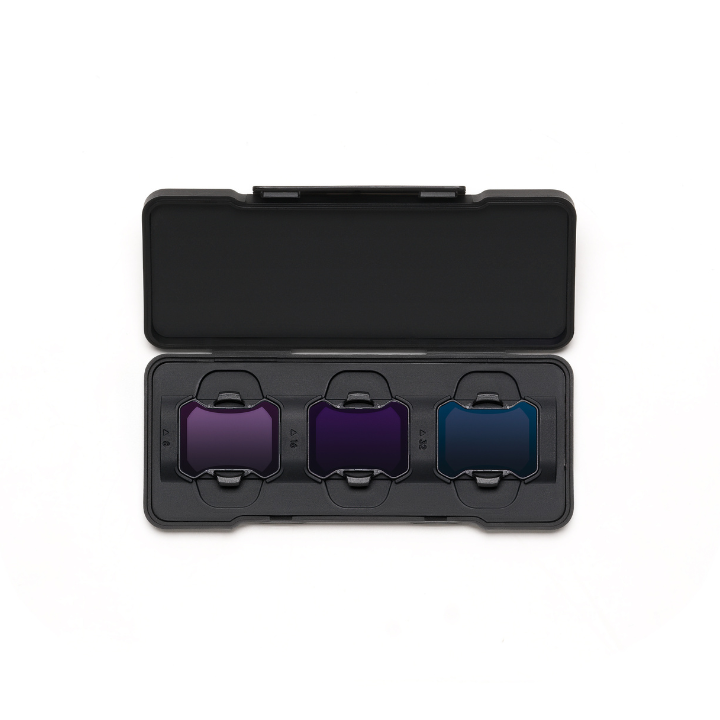
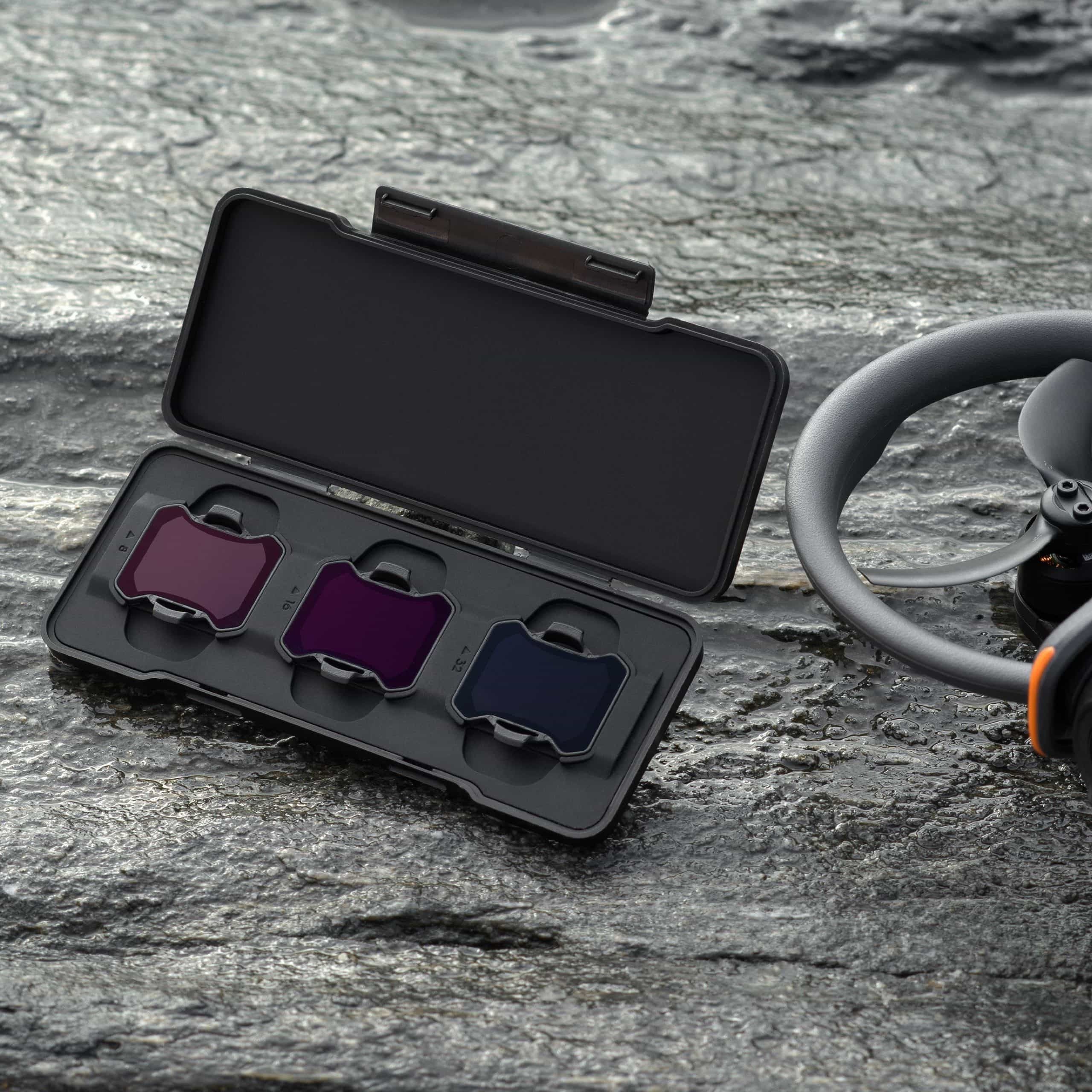
The DJI Avata 2 ND Filters Set includes ND8, ND16, and ND32 filters, providing greater control over aperture and shutter speed for capturing stunning shots like motion blur.
Product dossier
Key Features
DJI Avata 2 ND FIlters Set
- Enhanced Colour Accuracy:
Made of high-quality light-reduction materials, these filters help capture real colours with stunning highlight and shadow details.
- Creative Control:
Offers more freedom to control the aperture or shutter, providing additional exposure options for creative flexibility.
- Versatile Set:
Includes ND8, ND16, and ND32 filters to suit various lighting conditions and shooting requirements.
- Lightweight and Compact:
Each filter weighs approximately 0.7 g and measures 26×24 mm, ensuring they do not add significant weight to your equipment.
Full specifications
Manuals & documents
Frequently asked questions
How do I use an ND filter on my DJI drone?⌄
To use a ND filter on yout aircraft follow the steps below:
1. Set Camera to Manual
2. Open the DJI app you are using.
3. Set your drone’s camera to manual mode.
4. Adjust your desired ISO and shutter speed settings - this prevents the camera from digitally correcting the exposure, ensuring better capture quality.