50-day return policy⌄
- Return within 50 days of purchase.
- Full refund for unopened, sealed, unactivated items.
- Opened products may still qualify if unused.
- For orders over £100, we can arrange your return via DPD or in-person drop-off.
Next-day delivery — order before 3pm⌄
- Order before 3pm Mon–Fri for next-working-day delivery (free over £99).
- UK Saturday delivery available on orders placed before 3pm Friday.
- After 3pm Friday — dispatched Monday.
- Some UK regions may need 2–3 working days.
Discounted options with main purchase⌄
- Bundle pricing on accessories, spares and training when bought together.
- Reduced rates on add-ons selected at checkout.
- Ask us for a tailored quote on multi-unit or fleet orders.
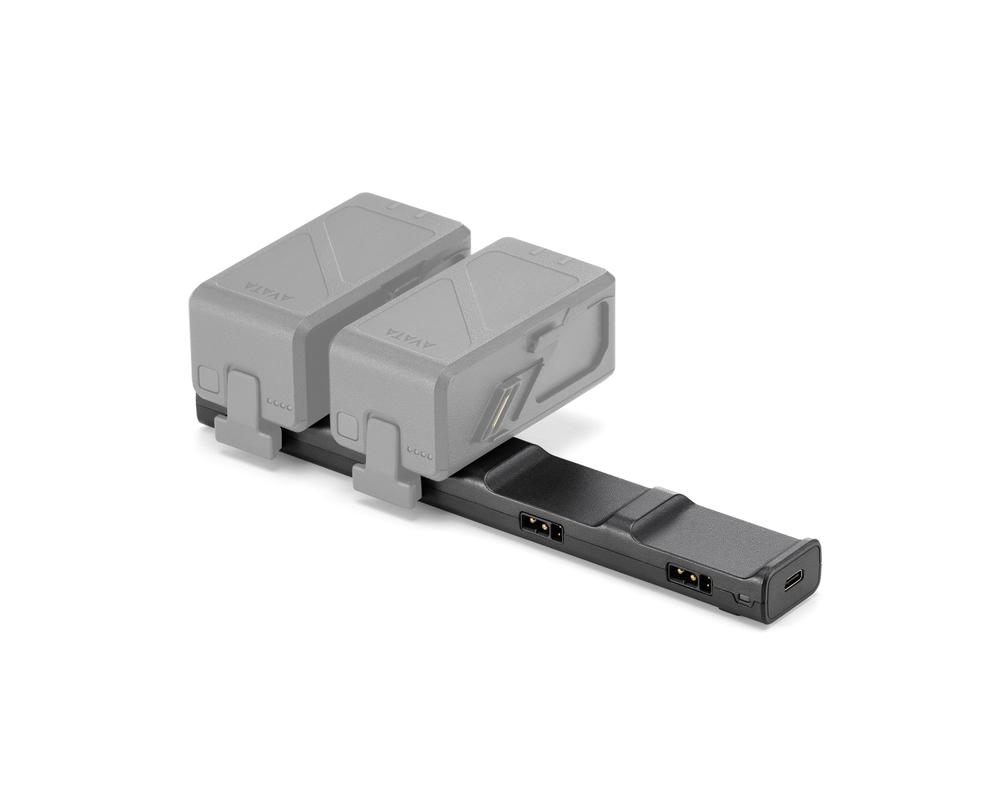
DJI Avata Battery Charging Hub
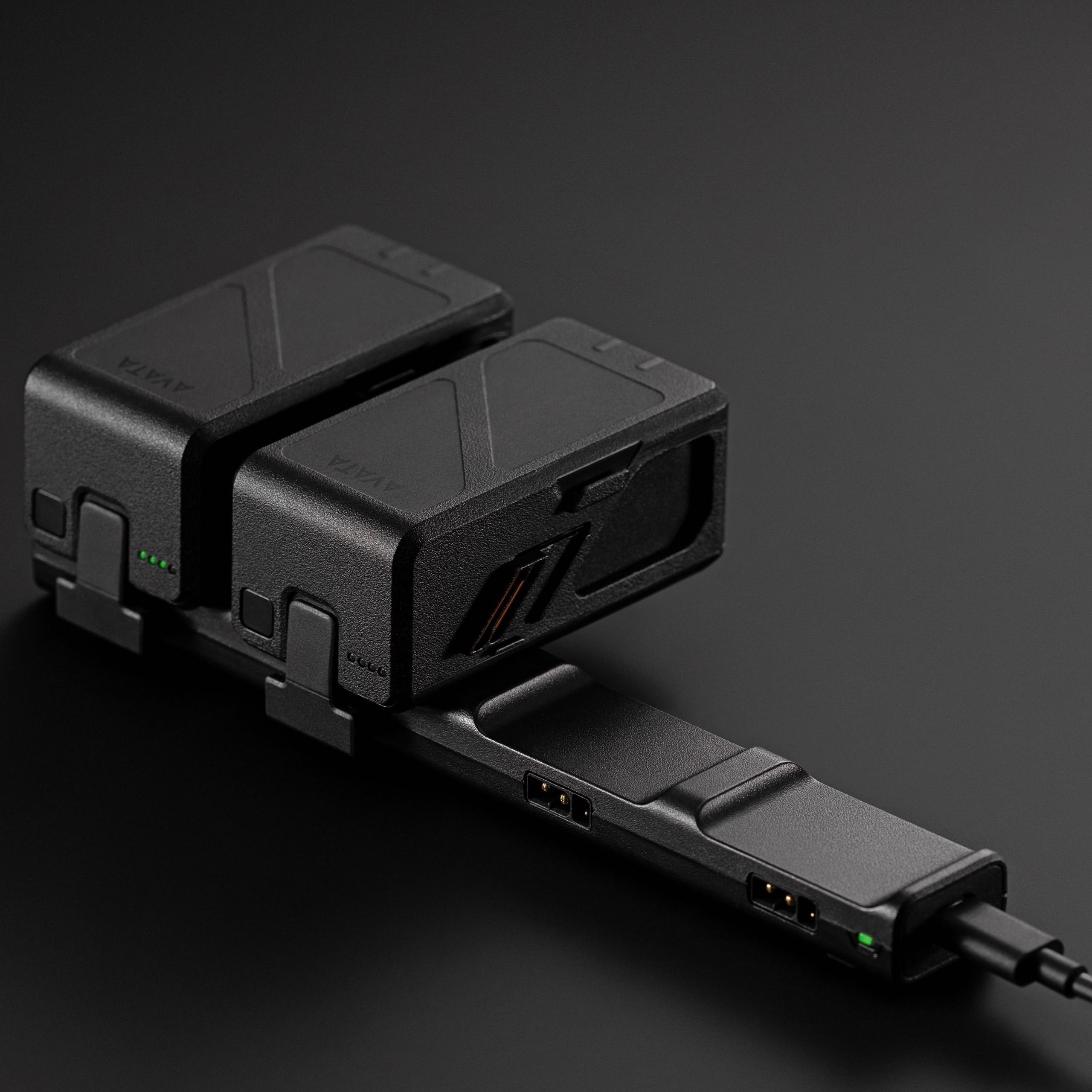
Battery charging hub for DJI Avata, charges up to 4 DJI Avata batteries in sequence so you are always ready to fly.
Product dossier
Key Features
DJI Avata Battery Charging Hub
- Efficient Sequential Charging:
Capable of charging four batteries in sequence, significantly enhancing charging efficiency.
- Optimised Charging Time:
Charges batteries in approximately 47 minutes when using the DJI 65W Portable Charger, subject to temperature.
- Wide Operating Temperature Range:
Functions effectively within a temperature range of 5° to 40° C (41° to 104° F).
Full specifications
Manuals & documents
Frequently asked questions
How do I charge Intelligent Flight Batteries with the charging hub?⌄
Follow these steps to charge your DJI Avata Intelligent Batteries with the DJI Avata Battery Charging Hub:
1. Insert the batteries into the charging hub until they click into place.
2. Connect the hub to a power outlet using a USB-C charger. The battery with the highest power level charges first, followed by the others in sequence. The status LED indicates the battery levels during charging.
3. Press the function button to check battery levels.
4. After charging, batteries can be stored in the hub or removed for use.